Introduction
Managing employees involves more than maintaining a list of names. HR teams handle employee records, attendance, leave requests, onboarding, and everyday staff information.
When these tasks are spread across spreadsheets, emails, and paper files, finding details can take extra time. It can also become harder to keep records up to date.
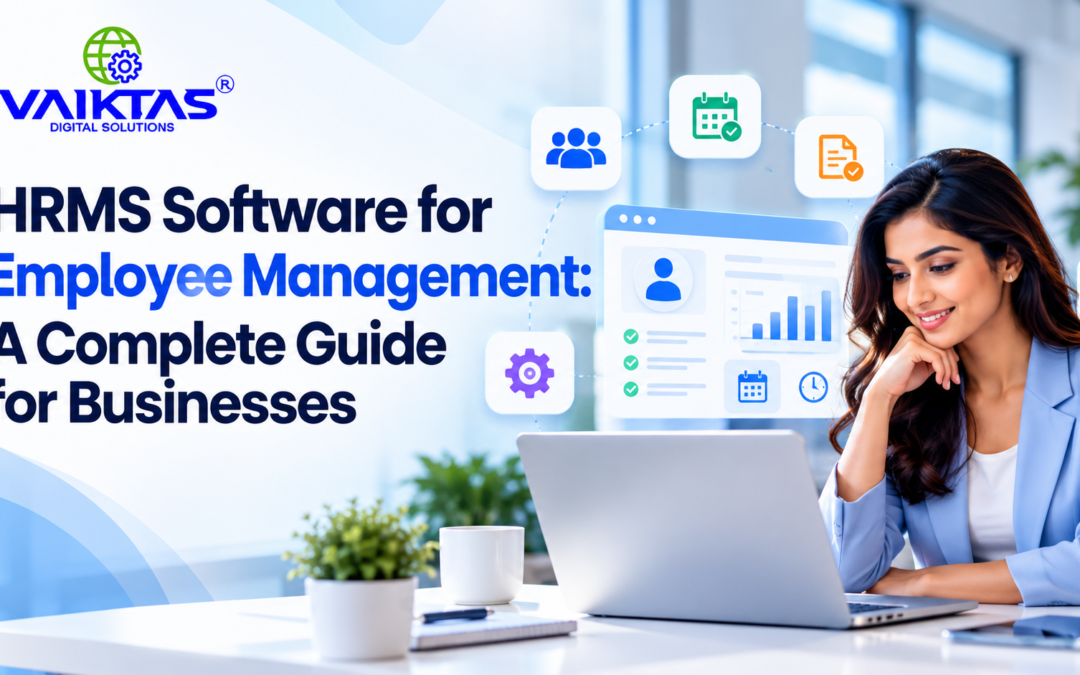
HRMS software for employee management brings important HR activities into a more organized digital system. Depending on its features, the software can help maintain employee information and manage routine processes.
In this guide, we explain what HRMS software does, its key features, and how to choose the right solution for your business.
What Is HRMS Software for Employee Management?
A Human Resource Management System (HRMS) is software that helps organizations manage employee information and HR processes.
Depending on the product, features may include employee profiles, attendance tracking, leave management, onboarding, document storage, reporting, and payroll-related functions.
For employee management, the main purpose is to keep staff information and common HR tasks organized in one place. As a result, authorized users can find relevant records without searching through multiple files.
Why Is Employee Management Important?
Clear employee management helps businesses maintain accurate records and consistent processes. It also helps HR teams respond to routine requests and share relevant information with managers.
As a business grows, employee details and administrative tasks can increase. Therefore, organized HR processes become more important.
For example, a centralised employee record helps authorized HR staff find contact details and employment information. Similarly, a defined leave process makes it easier to review requests and maintain consistent records.
Key Features of HRMS Software
1. Employee Information Management
Employee information management keeps details such as contact information, job roles, joining dates, and relevant documents organized.
In addition, access controls help protect confidential employee information. Businesses should ensure that only authorized users can view or update sensitive records.
2. Attendance and Leave Management
Attendance tools can help record working time. Leave management features can also support requests, approvals, and leave balances.
As a result, HR teams can maintain more organized attendance and leave records. Available functions depend on the software and its configuration.
3. Employee Onboarding
Onboarding involves several tasks when a new employee joins an organization. These may include collecting documents, sharing company policies, and completing joining formalities.
HRMS software can help organize these activities through digital workflows. Consequently, HR teams can follow a more consistent onboarding process.
4. HR Documents and Records
Digital document storage helps authorized users locate policies, forms, and employee-related files.
Furthermore, organized records can reduce the need to search through multiple folders. Businesses should also consider access permissions, backups, and data protection requirements.
5. Reports and HR Insights
Reporting tools can summarize available employee information, attendance, and leave data.
For example, HR teams can review attendance records or examine leave patterns. These reports can support routine planning and administrative decisions.
6. Payroll and Integrations
Some HRMS platforms include payroll functions. Others connect with separate payroll or accounting systems.
Before choosing a solution, confirm which integrations are supported. This helps ensure that the software fits your existing HR and payroll processes.
Benefits of Using HRMS Software for Employee Management
More Organized Employee Records
A central system can reduce the need to maintain the same employee information in several places.
As a result, authorised team members may find relevant details more easily. This can also help improve consistency across HR records.
Less Repetitive Administration
Digital forms and workflows can reduce some manual steps.
For example, employees may be able to submit leave requests digitally. HR teams can then review requests through the configured approval process.
More Consistent HR Processes
Standard workflows help teams follow the same steps for common tasks.
In addition, clear responsibilities can make processes easier to understand. A defined leave approval process is one example.
Improved Access to Information
Role-based access can help employees, managers, and HR staff find the information relevant to their responsibilities.
However, businesses should configure permissions carefully. They should also review access when employee roles change.
Support for Business Growth
Manual tracking can become harder to maintain as teams grow.
An HRMS may help businesses manage increasing records and routine tasks. However, the chosen system must suit the organization’s size, processes, and requirements.
How to Choose the Right HRMS Software
Choosing the right HRMS starts with understanding your business needs.
First, list your current HR challenges. Decide whether you need employee records, attendance tracking, leave management, onboarding, payroll support, or reporting.
Next, compare available software based on these requirements. Consider the following factors:
-
Ease of use: Can employees and HR staff use the system comfortably?
-
Required features: Does the software support your daily HR tasks?
-
Data security: Can you manage access to confidential employee records?
-
Integrations: Does it work with your existing business systems?
-
Reporting: Can you access the information needed for HR decisions?
-
Cost: Does the pricing fit your budget?
-
Support: Is implementation and ongoing assistance available?
Finally, ask the provider to demonstrate your most common tasks before making a decision. This helps you understand whether the software fits your actual workflow.
HRMS Software vs. Manual Employee Management
Manual processes may work for very small teams with limited HR needs. However, spreadsheets and paper files can become harder to maintain as records and requests increase.
HRMS software provides a more centralized way to manage employee information and routine HR activities. It may also support digital workflows, depending on the available features.
The right choice depends on your team size, budget, workflow complexity, and data management needs. Before deciding, review the time spent on recurring tasks and the challenges caused by inconsistent records.
Conclusion
HRMS software for employee management can help businesses organize employee records and common HR activities in a more consistent way.
The right features depend on how your organization handles attendance, leave, onboarding, documents, reporting, and payroll.
Before choosing a system, list your needs, compare available features, and test the workflows your team uses most often. A suitable solution can make everyday HR administration easier to manage.