

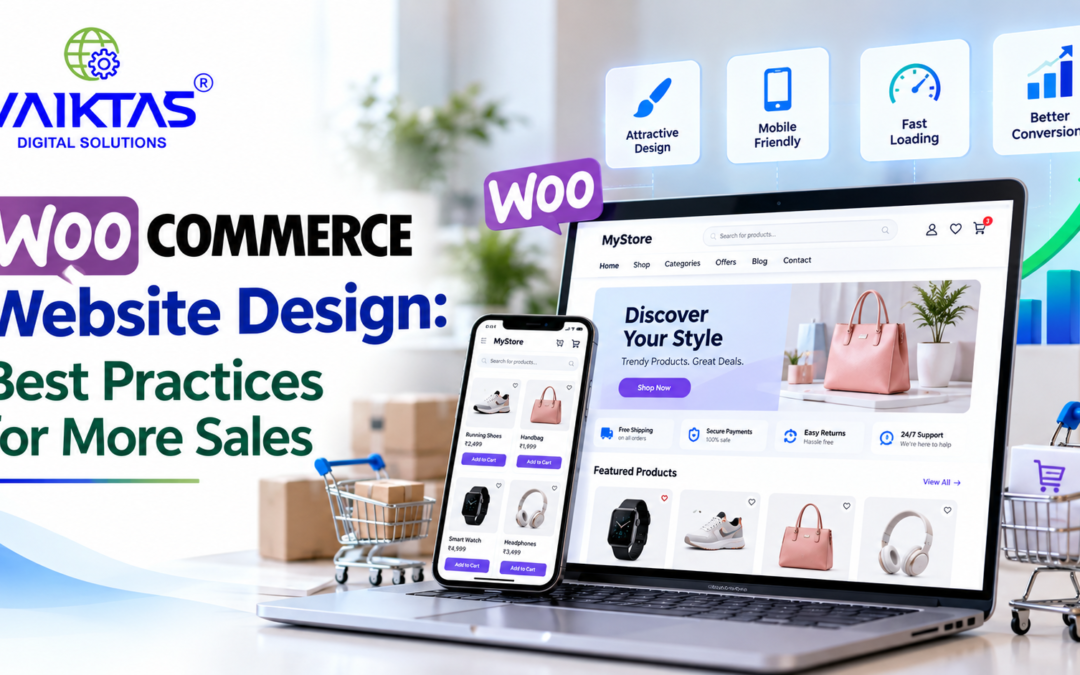
An attractive online store is more than just a place to display products. It should provide a smooth shopping experience, help customers find products easily, and make purchasing simple. For businesses selling products online, effective WooCommerce website design can play an important role in improving customer engagement and increasing sales.
A well-designed store combines visual appeal, easy navigation, mobile responsiveness, fast loading speeds, and a simple checkout process. By following the right design practices, businesses can create a better shopping experience and encourage more visitors to complete their purchases.
In this blog, we explore the best WooCommerce website design practices that can help businesses improve their online stores and increase sales opportunities.
1. Choose a Clean and Professional Website Design
Your online store’s design creates the first impression for potential customers. A cluttered layout, inconsistent colours, and confusing product displays can make visitors leave before exploring your products.
Choose a clean design that reflects your brand identity. Use consistent colours, readable fonts, high-quality product images, and sufficient spacing between website elements.
Keep the homepage focused on your main product categories, featured products, special offers, and important information.
Best practice: Prioritize clarity and usability instead of adding too many decorative elements.
2. Make Your WooCommerce Website Mobile-Friendly
Many customers browse and shop using smartphones. If your online store does not work properly on mobile devices, you could lose potential sales.
A responsive WooCommerce website automatically adapts its layout to different screen sizes.
To improve the mobile shopping experience:
- Use a responsive WooCommerce theme.
- Make buttons easy to tap.
- Ensure product images display correctly.
- Use readable font sizes.
- Simplify navigation menus.
- Make forms easy to complete on smaller screens.
Test your store on different devices to ensure customers can browse products, add items to their carts, and complete purchases without difficulty.
3. Improve Website Loading Speed
Website speed affects the shopping experience. Slow-loading pages can frustrate visitors and interrupt the purchasing process.
To improve WooCommerce website performance, consider the following practices:
- Compress product images without sacrificing quality.
- Use a reliable hosting provider.
- Enable appropriate caching.
- Remove unnecessary plugins.
- Use lightweight themes and page builders.
- Optimize CSS and JavaScript where appropriate.
Tools such as Google PageSpeed Insights can help identify performance issues and suggest improvements.
A faster website can make shopping more convenient, although speed improvements alone do not guarantee higher sales.
4. Create High-Quality Product Pages
Product pages help customers decide whether an item meets their needs. They should provide enough information for shoppers to make informed purchasing decisions.
Every product page should include:
- Clear product names.
- High-quality product images.
- Accurate product descriptions.
- Transparent pricing.
- Product variations, sizes, and colours where applicable.
- Stock availability.
- Shipping and return information.
- Customer reviews, where available.
- A clearly visible Add to Cart button.
Organize product information into readable sections so customers can quickly find the details they need.
For products that benefit from visual inspection, provide multiple images showing different angles, materials, dimensions, or practical uses.
5. Simplify Website Navigation
Customers should be able to find products without searching through multiple confusing menus.
A well-organized navigation structure helps visitors explore your store and discover relevant products.
Follow these practices:
- Group products into meaningful categories.
- Use clear navigation labels.
- Add a visible search bar.
- Include useful filters for price, size, colour, or other relevant attributes.
- Provide breadcrumb navigation where appropriate.
- Avoid overcrowded menus.
For larger stores, product filtering and search functionality can make it easier for customers to narrow down their choices.
6. Make the Shopping Cart Easy to Use
A confusing shopping cart can discourage customers from continuing their purchases.
Your WooCommerce cart should clearly display selected products, quantities, prices, applicable discounts, and the order subtotal.
Help customers make changes easily by allowing them to update quantities or remove products without unnecessary steps.
Display important information about shipping charges, taxes, and additional fees as early as practical. Unexpected costs during checkout can contribute to cart abandonment.
Keep the path from the shopping cart to checkout simple and easy to understand.
7. Optimize the Checkout Process
A complicated checkout process can create unnecessary friction when customers are ready to buy.
To improve the WooCommerce checkout experience:
- Request only the information needed to process the order.
- Allow guest checkout where appropriate.
- Provide familiar and secure payment options.
- Make delivery charges and order totals clear.
- Display helpful form validation messages.
- Ensure the checkout works smoothly on mobile devices.
- Explain how customers can contact support if they experience problems.
Test the complete purchasing journey regularly, from adding a product to the cart through successful payment and order confirmation.
The goal is to make checkout straightforward while collecting the information required to fulfil orders securely.
8. Build Customer Trust with Clear Information
Customers are more likely to feel comfortable purchasing from an online store when important business information is easy to find.
Include clear and accurate details about:
- Your business and contact information.
- Shipping and delivery policies.
- Returns and refunds.
- Privacy practices.
- Terms and conditions.
- Available customer support.
- Secure payment processing.
Display customer reviews only when they are genuine and accurately represented.
Avoid misleading discount claims, fake urgency messages, or unsupported security statements. Transparent communication helps establish trust and supports better customer relationships.
9. Use Calls to Action Effectively
Calls to action guide visitors towards useful next steps, such as viewing a product, adding an item to the cart, or completing an order.
Use clear labels such as:
- Shop Now
- Explore Products
- Add to Cart
- Buy Now
- View Collection
Make important buttons visually distinct and ensure their labels accurately describe what happens when clicked.
Place calls to action where customers naturally need them, particularly on product pages and during the purchasing process.
Avoid placing too many competing buttons on the same screen, as this can make the shopping experience confusing.
10. Improve WooCommerce Website SEO
Search engine optimization helps potential customers discover your online store through relevant search queries.
A good WooCommerce SEO strategy combines technical improvements, useful content, and well-optimized product and category pages.
Follow these practices:
Optimize page titles: Write unique titles that accurately describe each product or category.
Write useful meta descriptions: Summarize page content clearly to encourage relevant searchers to visit your website.
Use descriptive product URLs: Create short, readable URLs that reflect the product or category.
Optimize product images: Use descriptive file names and meaningful alternative text for informative images.
Organize headings: Use a clear H1 heading and logical H2 and H3 subheadings.
Improve internal linking: Link related products, categories, buying guides, and other useful pages where relevant.
Add structured data: Ensure applicable product information, such as price, availability, and reviews, is marked up correctly.
Publish helpful content: Create buying guides, product comparisons, and articles that answer questions your customers actually ask.
SEO improvements can help search engines understand your store and may improve visibility for relevant searches, but rankings and traffic are not guaranteed.
11. Use Analytics to Identify Sales Opportunities
Website analytics can help you understand how visitors interact with your online store.
Monitor relevant metrics such as:
- Product page views.
- Add-to-cart activity.
- Checkout completion.
- Purchase conversion rate.
- Traffic sources.
- Revenue by product or category.
- Mobile versus desktop performance.
Tools such as Google Analytics 4, when configured correctly, can help track the customer journey.
For example, if many visitors add products to their carts but few complete checkout, investigate possible causes such as unexpected shipping costs, confusing forms, payment errors, or limited payment options.
Use actual customer behaviour to guide improvements instead of redesigning your entire store based on assumptions.
Common WooCommerce Website Design Mistakes to Avoid
Even a visually attractive online store can struggle if important usability issues are overlooked.
Avoid these common mistakes:
- Using low-quality product images.
- Designing primarily for desktop users.
- Adding too many unnecessary plugins.
- Hiding shipping charges until the final checkout step.
- Using confusing navigation menus.
- Writing incomplete product descriptions.
- Making important buttons difficult to find.
- Ignoring website speed.
- Neglecting mobile checkout testing.
- Publishing duplicate or poorly optimized product content.
Regularly reviewing your website can help identify issues before they affect a large number of customers.
How Professional WooCommerce Website Design Can Help Your Business
Professional WooCommerce website design focuses on more than appearance. It combines branding, usability, performance, product presentation, and conversion-focused improvements.
For businesses planning to launch an online store or improve an existing one, a structured design process can help create a website that supports both customer needs and business objectives.
A professional approach may include:
- Customizing the store to match your brand.
- Organizing product categories.
- Improving mobile responsiveness.
- Configuring suitable payment and shipping options.
- Optimizing product and category pages.
- Improving website performance.
- Implementing relevant SEO practices.
- Testing the complete purchasing process.
The right improvements depend on your products, audience, budget, and current website performance.
Conclusion
Effective WooCommerce website design can help businesses create online stores that are attractive, easy to navigate, mobile-friendly, and convenient to shop from.
By improving product pages, simplifying navigation, optimizing checkout, strengthening customer trust, and implementing SEO best practices, businesses can remove common barriers in the shopping experience.
However, increasing sales requires more than good design alone. Product quality, pricing, customer service, marketing, and website performance also influence purchasing decisions.
Review your WooCommerce store regularly, use analytics to identify areas for improvement, and prioritize changes that make shopping easier for your customers.