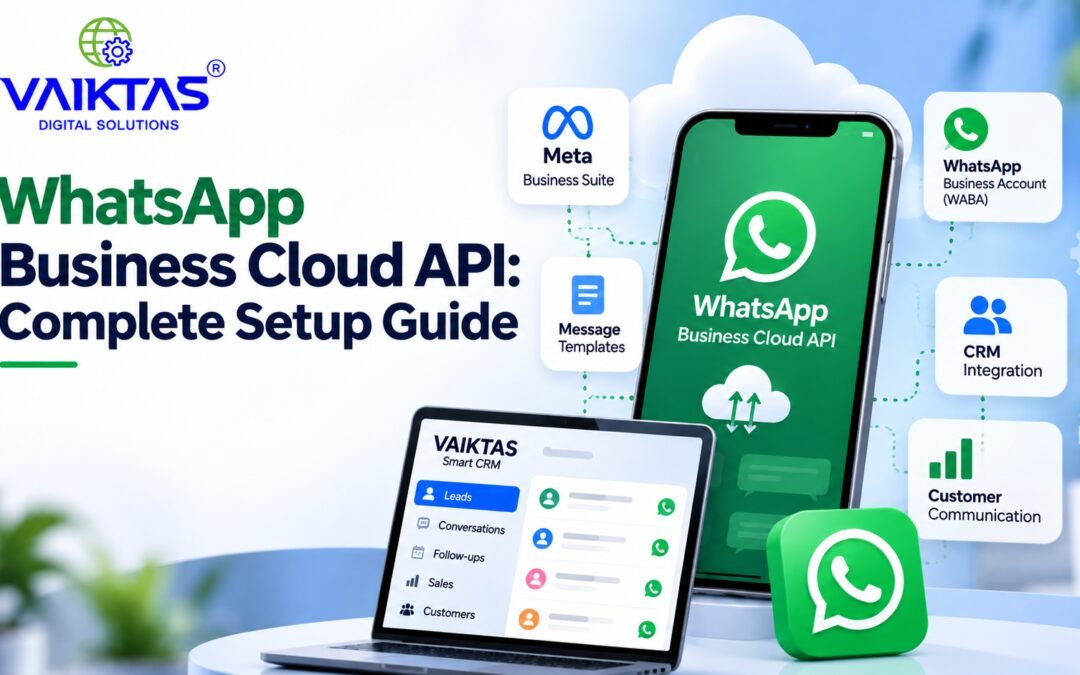
WhatsApp has become one of the most important communication channels for businesses. Customers use it to ask questions, request product information, receive updates, and communicate with sales and support teams.
For businesses that want to manage WhatsApp communication at scale, the WhatsApp Business Cloud API provides a way to connect WhatsApp with business systems such as CRMs, customer-support platforms, and automation tools.
But getting started involves more than simply creating a WhatsApp account.
In this guide, we’ll explain how the WhatsApp Business Cloud process works, what businesses need to prepare, and how WhatsApp can eventually be connected with a CRM system such as VAIKTAS Smart CRM.
What Is the WhatsApp Business Cloud API?
The WhatsApp Business Cloud API is Meta’s cloud-based solution that allows businesses to integrate WhatsApp messaging with their own applications and business software.
Unlike the regular WhatsApp Business app, which is primarily designed for manually managing conversations, the Cloud API is designed for businesses that need automation, integrations, notifications, customer-support workflows, and higher-volume communication.
Businesses can use WhatsApp integrations to:
- Send customer notifications
- Respond to customer enquiries
- Share order or service updates
- Manage leads
- Send approved message templates
- Automate follow-ups
- Connect conversations with a CRM
- Route customer enquiries to sales or support teams
How Does the WhatsApp Business Cloud Process Work?
The overall process can be understood in several key stages.
1. Set Up Your Meta Business Account
The first step is to have your business properly set up with Meta.
Meta Business Suite provides businesses with tools to manage their business presence and activities across Meta platforms.
Businesses should make sure that their business information is accurate and complete before proceeding with a WhatsApp Business Platform setup.
Depending on the business and use case, Meta may also require additional business verification or configuration.
It is important to understand that Meta Business Suite and WhatsApp Business Cloud API are not the same thing. Meta Business Suite is part of Meta’s broader business-management ecosystem, while the WhatsApp Business Platform provides the infrastructure needed for business WhatsApp communication.
2. Set up a WhatsApp Business Account
The next step is to create or connect a WhatsApp Business Account (WABA).
The WABA is associated with your business’s WhatsApp presence and is an important part of the WhatsApp Business Platform setup.
It provides the foundation for managing the WhatsApp assets required for your business integration.
3. Add a Business Phone Number
A business phone number needs to be associated with the WhatsApp Business setup.
Before using an existing number, businesses should understand how that number is currently being used.
If the number is already connected to the WhatsApp Business app or another WhatsApp setup, additional considerations may apply.
Choosing and planning the correct business number early can help avoid unnecessary configuration problems later.
4. Configure the WhatsApp Cloud API
Once the required business and WhatsApp assets are configured, the technical integration can be prepared.
Depending on the integration, this may involve:
- Meta app configuration
- API access
- Access tokens and permissions
- WhatsApp Business Account configuration
- Phone-number configuration
- Webhooks
- Integration with business software
This is the stage where WhatsApp can begin connecting with external applications such as CRM platforms.
For example, a CRM can use WhatsApp interactions as part of lead-management and customer-support workflows.
5. Create and Submit WhatsApp Message Templates
Businesses may need approved message templates for certain types of business-initiated communication.
Common examples include:
- Appointment reminders
- Order confirmations
- Payment notifications
- Delivery updates
- Follow-up messages
- Customer alerts
Templates should be clear, useful, and aligned with WhatsApp’s applicable policies and requirements.
Businesses should also plan their templates based on actual customer needs rather than sending unnecessary promotional messages.
6. Connect WhatsApp With a CRM
One of the biggest advantages of the WhatsApp Business Cloud API is the ability to connect WhatsApp communication with a CRM.
Instead of keeping customer conversations separate from lead information, businesses can create workflows where WhatsApp interactions become part of the customer journey.
For example:
New enquiry → Lead created → WhatsApp conversation → Follow-up → Sales activity → Conversion
This can help sales and support teams maintain better visibility into customer communication.
Why Connect WhatsApp With a CRM?
Using WhatsApp independently can work when the number of conversations is small.
As a business grows, however, managing enquiries, customer information, conversations, and follow-ups manually can become difficult.
A CRM-connected WhatsApp workflow can help businesses organise:
- Leads
- Customer information
- WhatsApp conversations
- Follow-ups
- Sales activities
- Notifications
- Campaign communication
- Customer-support interactions
The goal isn’t simply to send more WhatsApp messages.
The goal is to create a structured customer journey where communication, customer information, and follow-ups work together.
How VAIKTAS Smart CRM Can Fit Into the Process
A smart CRM provides a central place for managing leads, customer information, follow-ups, and business workflows.
VAIKTAS Smart CRM is designed to help businesses organise their lead and customer-management activities in one system.
When WhatsApp Business Cloud capabilities are connected with CRM workflows, businesses can work toward a more organised process for handling customer enquiries and follow-ups.
For example, a typical customer journey could look like this:
Customer enquiry → Lead captured → Customer communication → Follow-up → Sales conversion → Customer management
Instead of managing each step separately, a CRM can help businesses keep customer information and activities organised in one place.
VAIKTAS Smart CRM can be particularly useful for businesses that want to bring their lead-management and customer-management processes into a structured workflow.
What Businesses Should Prepare Before Going Live
Before implementing WhatsApp Business Cloud, businesses should prepare several important elements.
Business information
Make sure your business details are accurate and consistent across the relevant Meta business setup.
Business phone number
Decide which business phone number should be used and understand its current WhatsApp usage before starting the setup.
Message templates
Prepare the types of notifications and customer messages your business expects to send.
Customer journey
Think about where WhatsApp fits into your sales and support process.
For example:
Lead generation → Enquiry → WhatsApp conversation → Follow-up → Conversion → Customer support
CRM workflow
Define what should happen when:
- A new lead sends a WhatsApp message
- A customer responds
- A follow-up is required
- A sales representative needs to take over
- A customer becomes an existing customer
Planning these workflows early can make the eventual integration much smoother.
Common Mistakes to Avoid
Confusing Meta Business Suite with WhatsApp Cloud API
Meta Business Suite and WhatsApp Business Cloud API are different parts of the overall Meta business ecosystem.
Understanding the difference can make the setup process easier to plan.
Using WhatsApp Without a Defined Workflow
Simply connecting WhatsApp to a CRM does not automatically create an effective customer-engagement process.
Businesses should decide how enquiries, follow-ups, assignments, and conversions will be handled.
Sending Unnecessary Messages
Customers should receive relevant and useful communication rather than excessive notifications.
Ignoring Message-Template Requirements
Businesses should understand when templates are required and make sure their messages follow the applicable WhatsApp requirements.
Treating WhatsApp as a Separate System
The real value comes when WhatsApp becomes part of the overall customer journey rather than operating independently from your CRM and sales process.
WhatsApp + Smart CRM: A More Connected Customer Journey
WhatsApp can be much more than a messaging channel when it is connected to the right business processes.
A customer might discover a business, submit an enquiry, start a WhatsApp conversation, receive a follow-up, speak with a sales representative, and eventually become a customer.
When these interactions are connected to a smart CRM, businesses can build a clearer view of the customer journey.
This can help teams improve organisation, manage follow-ups, and create a more consistent customer experience.
For businesses using or planning to use VAIKTAS Smart CRM, WhatsApp can become an important part of a broader lead and customer-management strategy.
Final Thoughts
The WhatsApp Business Cloud API can open up significant opportunities for businesses that want to manage customer communication at scale.
But successful implementation isn’t just about connecting an API.
It requires the right Meta business setup, WhatsApp Business account, phone number configuration, message templates, API integration, CRM workflows, and customer-engagement strategy.
By preparing these elements in advance, businesses can build a stronger foundation for WhatsApp-powered customer communication.
VAIKTAS Smart CRM helps businesses organise their lead and customer-management processes in one system. As WhatsApp capabilities and integrations evolve, businesses can use connected CRM workflows to create more organised and efficient customer journeys.